Tap More, then Integrations. Find Depop under Add an integration and tap it.
2.
Sign in to Depop
Tap Sign in to Depop and follow the secure login window.
3.
Handle an email link if Depop sends one
Open the message from Depop and copy its sign-in link without opening the link. Return to SECND, paste it into the Depop sign-in link field, then tap Finish connection.
Heads up
Do not open the Depop link in Mail or a browser. Depop links work once. SECND needs to open it to finish the connection.
4.
Confirm the connection
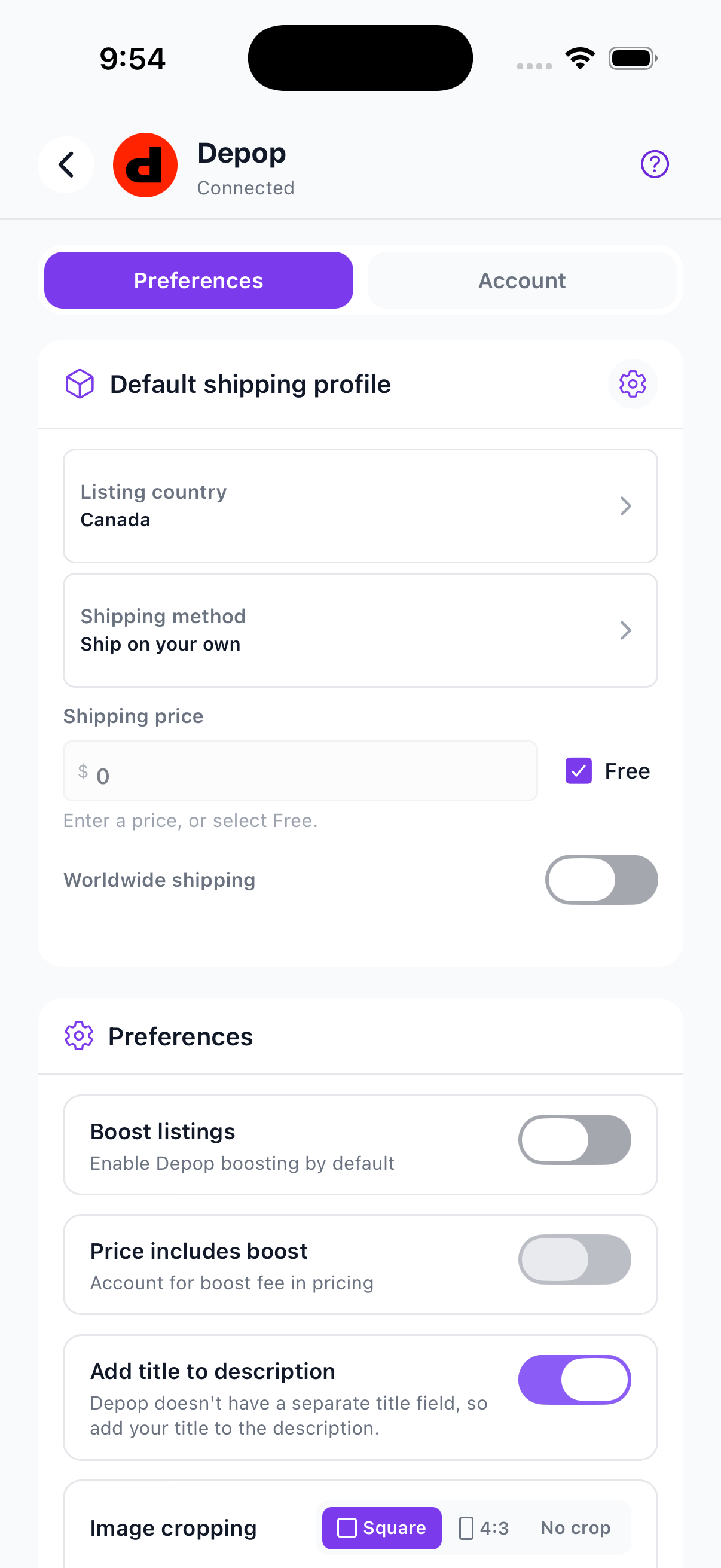
Depop appears under Connected in Integrations. Open it to review listing and pricing preferences.

 Connect Depop