
Connections
 Connect Poshmark
Connect your Poshmark closet so SECND can list, update, and delist items.
Last updated 2026-08-22
In short
Before you start
Install the SECND Chrome extension in the browser you use for Poshmark. See Connect with the SECND Chrome Extension for the install steps.
Step-by-step
Open Connect
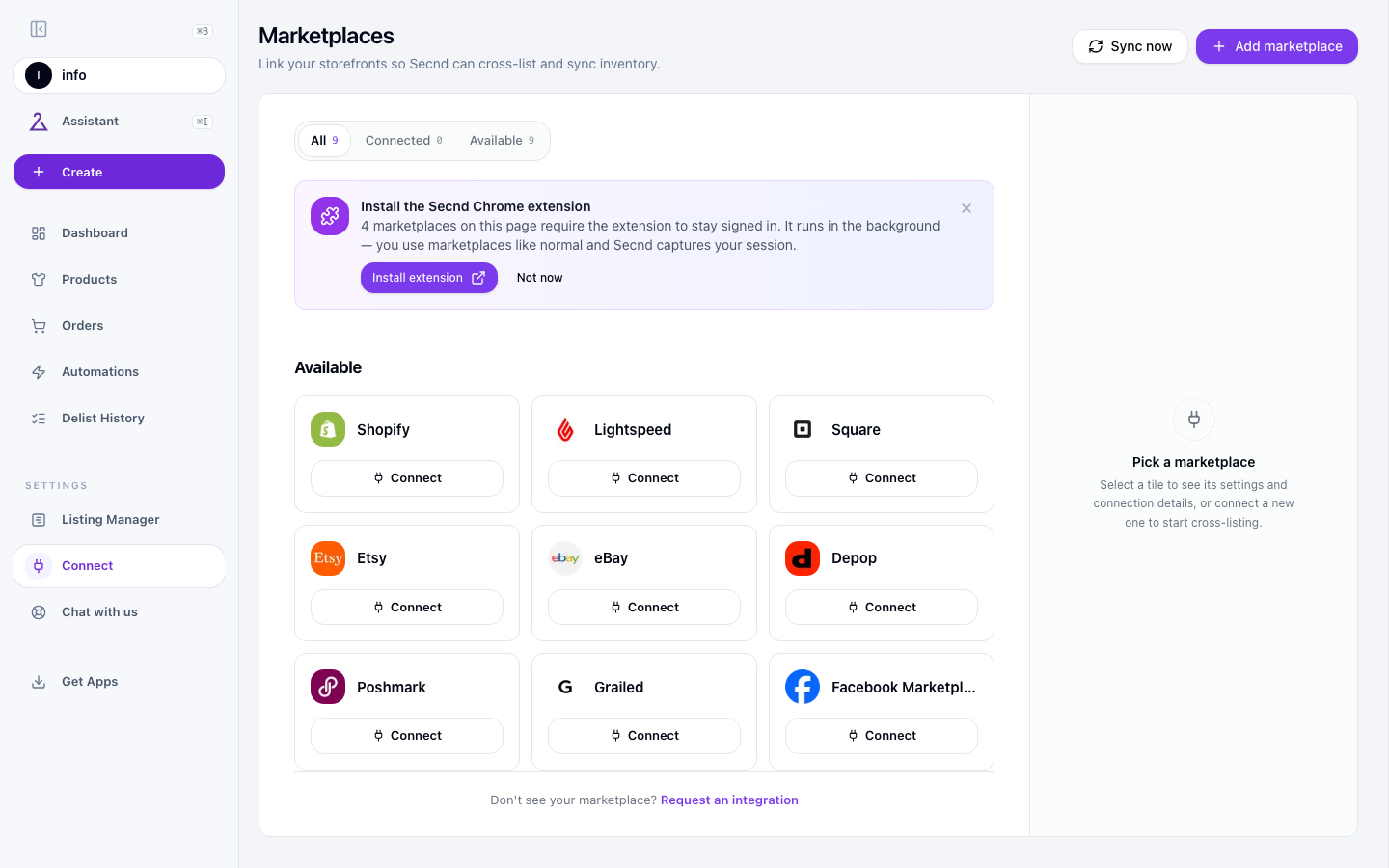
Click Connect on the Poshmark card
Sign in on poshmark.com
Confirm Connected
Heads up
Settings to configure
Open Poshmark from Connect or Integrations. Its settings include the fields below.
Account Location
Read-only. SECND detects whether your closet is on poshmark.com (US, USD) or poshmark.ca (Canada, CAD) the first time it lists for you and shows the detected region here.
Accept Offers
When on, your listings allow buyers to send offers. Turn off if you want fixed prices only. Default: on.
Shipping Discount
Whether SECND attaches a shipping discount to new listings. Pick from Poshmark's discount options (e.g. $1 off, $3 off, free). Leave on None if buyers cover full shipping.
Include discount in price?
Only shows once a shipping discount is set. When on, SECND adds the discount amount onto the listing price so your net stays the same. When off, you absorb the discount.
Publish Status
Whether new listings publish to your closet immediately (Active) or stay as drafts (Draft) so you can review them in Poshmark before they go live.
Common issues
Have a question that isn't answered here? .