Offers
Poshmark Offers
Configure automatic offers for Poshmark.
Last updated 2026-11-17
In short
Set up offers
Open Poshmark
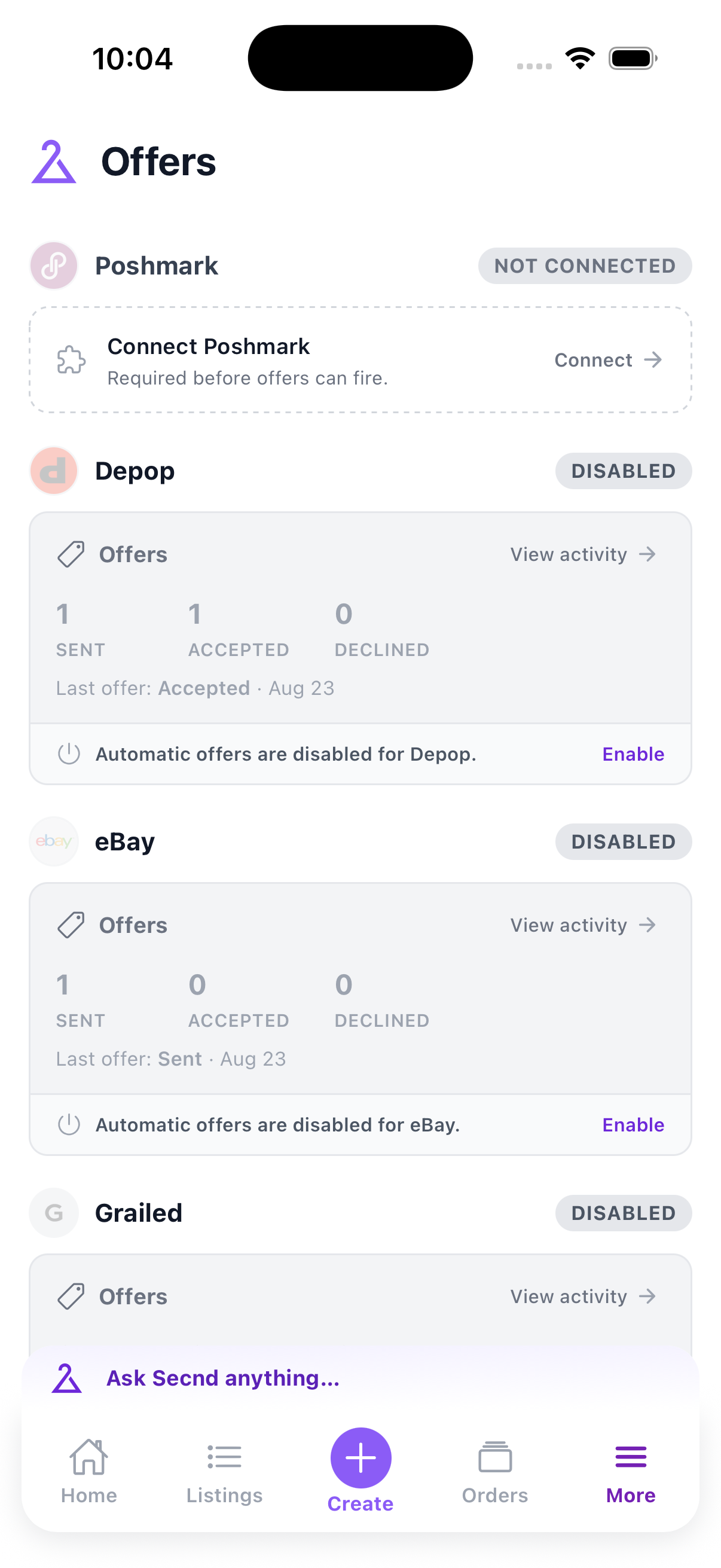
Enable auto-offers
Offer rules
Set the default offer
Add optional rules
Note
Save the rules
Review activity
Open offer history
Who gets a Poshmark offer
SECND watches your Poshmark news feed for new likes on your listings. When someone likes an item, SECND waits your Send after engagement delay, then sends the offer with Poshmark's Offer to Likers, so it reaches the buyers who have liked that listing, not only the newest one. The offer appears in their Poshmark offers like one you sent yourself. Connect your closet first under Connect Poshmark.
SECND does not send an offer when a buyer has already made their own offer on the listing, and it does not send bundle offers. For the settings every marketplace shares, see Automatic Offers.
Poshmark rule fields
The Poshmark form has the shared fields plus one of its own:
- Discount (minimum 10%): 10% to 99%. Poshmark requires offers to likers to be at least 10% below the listing price, so SECND won't save less.
- Shipping discount: No shipping discount, Discounted shipping or Free shipping. Each tier rule has its own Shipping discount too.
Before sending, SECND asks Poshmark which shipping discounts it allows for that item at that offer price. If the one you picked isn't allowed (for example, because the listing already carries a shipping discount), SECND sends the offer with one Poshmark does allow instead.
The offer price is rounded down to a whole dollar. A $47 item at 15% off becomes a $39 offer.
The shipping discount on new listings is a separate setting; see Connect Poshmark.
Limits
- Offers expire after 24 hours, and the buyer can counter once (as shown on the rules screen).
- An offer must be at least 10% off and at least $1 after rounding.
- A buyer who just got an offer from you on Poshmark won't get another for an hour.
- Sold or delisted items are skipped.
Common issues
Have a question that isn't answered here? .